 Marriage Biodata Guide
How to Make a Biodata for Marriage
Five steps, thirty minutes, one page at the end. Or skip straight to the free maker, which walks the same steps as a form.
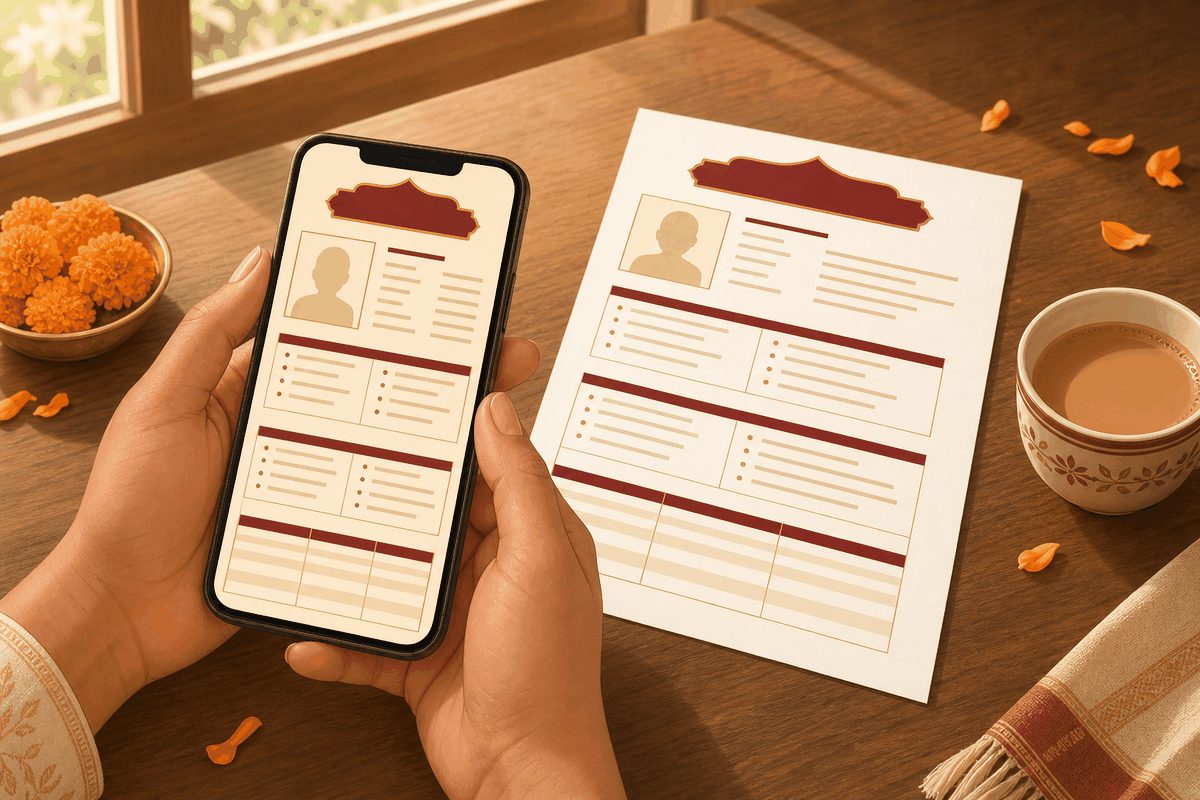
Step 1 — Gather the facts first
Before writing anything, collect: exact date and time of birth (from the horoscope if your family keeps one), height, education with institute, parents' occupations, and where each sibling is settled. The re-writing happens when these arrive mid-draft.
Step 2 — Choose your sections
Start from the standard six-section format and delete what doesn't apply to your community. Deleting is the right move — an empty gotra field looks worse than no gotra field.
Step 3 — Write it plainly
Facts, not adjectives. "Calm, family-oriented; cricket on weekends" beats "fun-loving and caring by nature". Every claim should be something a stranger could verify in the first call without embarrassment.
Step 4 — Add the photo
Recent, individual, natural light — the photo guide covers pose, clothes and background. Name the file properly (Aarav-Sharma-biodata.pdf, not IMG_4821) — filenames get seen in WhatsApp forwards.
Step 5 — Export and check on a phone
Almost every biodata is read on WhatsApp on a phone. Export the PDF, send it to yourself, and check: one page, readable without zooming, photo not stretched. Then it's ready to share.
Which format should you start from?
The five steps are the same for everyone; the starting format depends on language and community.
| If you are writing… | Start from |
|---|---|
| In English, any community | Marriage biodata format, or a blank Word / PDF template |
| With Hindi headings | Biodata format in Hindi — or the same steps in Hinglish: shadi ke liye biodata kaise banaye |
| In Marathi or Tamil | Marathi format (ras, gan, nadi, devak) · Tamil format (rasi, natchathiram, lagnam) |
| With kundali details | Hindu biodata format — every horoscope field explained |
| For a Muslim or Jain family | Muslim format · Jain format |
How long does it take to make a biodata?
About thirty minutes once the facts are in hand — the delay is almost always waiting for a time of birth or a sibling's details. Write it once properly, keep the Word file, and update only the age and job line when they change.
Prefer it on your phone? Rishta makes the biodata with photo and six designed templates, exports a WhatsApp-ready image, and privately tracks every rishta that follows.
Get Rishta for iPhone — free to start
Everything stays on your phone. No account, no profile, no strangers.
Frequently asked questions
How do I make a biodata for marriage on my phone?
Use the free maker on this site (works in any mobile browser, nothing uploaded) and save as PDF from the print preview — or use the Rishta iPhone app, which adds designed templates, photo placement and Hindi.
What size should the biodata PDF be?
One A4 page, ideally under 1 MB so it forwards instantly on WhatsApp. Compress the photo before inserting it; a 4 MB biodata gets downloaded late and read last.
Can I make a biodata for marriage in Word?
Yes. Download a blank Word template from the Word & PDF page, or fill the free maker and press Download Word. Edit in Word or Google Docs, but send the finished biodata as a PDF so the layout survives on the other phone.
Should the biodata be in English or a regional language?
Whichever the other family reads comfortably. English is the most common; Hindi, Marathi, Tamil and Punjabi headings are equally normal. The free maker switches every heading with one choice, and the sections stay the same.